Watch movies together, with subtitles
A foreign film without subtitles isn't much of a movie night. In a Kinoo room you can add subtitles in any language and everyone reads the same line at the same moment.
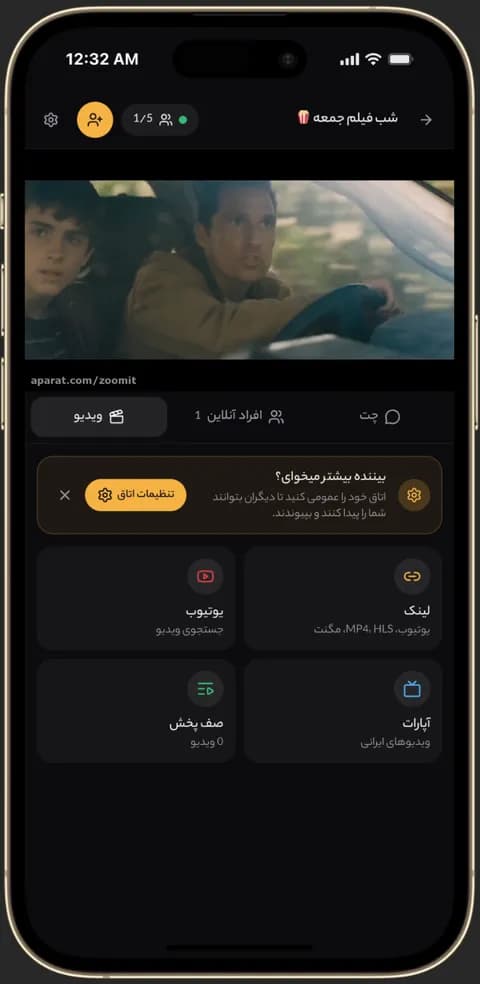
Video playing in sync in a Kinoo room on a phone 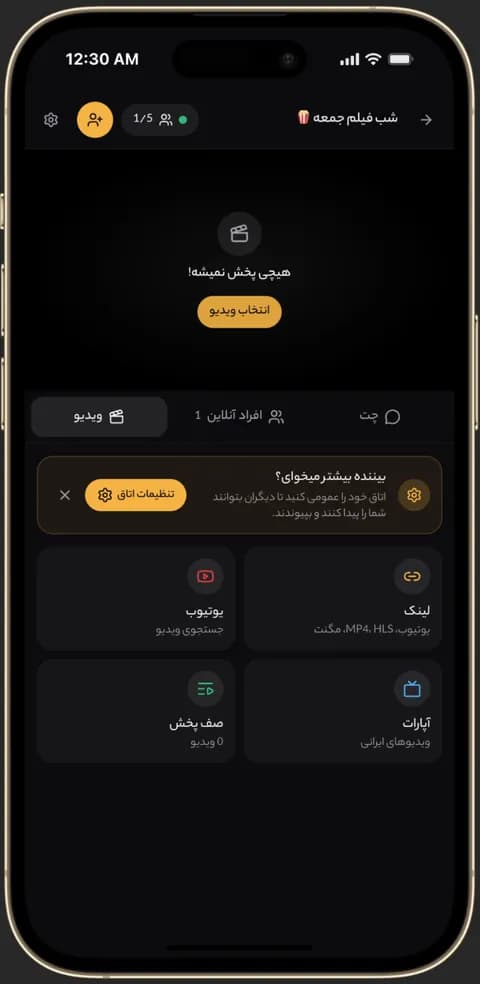
Kinoo video picker: direct link, YouTube, Aparat and queue 
Text chat inside a Kinoo room while watching together
Three ways to add subtitles
Upload a subtitle file from your device, paste a direct link to one, or search OpenSubtitles without leaving the room.
For the room or just for you
Subtitles chosen for the room show for everyone. If someone wants another language, they can add a local subtitle that only they see; playback stays in sync.
Toggle with one key
Press C to turn subtitles on or off. If a subtitle is out of sync with the audio, pick a different one from the search results.
How to get started
- 1
Create a room and add a video
Paste the movie or episode link.
- 2
Add subtitles
Upload a file, paste a link or search OpenSubtitles.
- 3
Watch together
Subtitles show on the synced player for the whole room.
Frequently asked questions
Which subtitle formats work?
Common formats including SRT, VTT, SUB and ASS.
Do my friends need to download the subtitles too?
No. Subtitles chosen for the room show for everyone.
Can I watch with English subtitles while my friend uses Persian?
Yes. Each person can add a local subtitle that only they see.
Kinoo is ready when you are
Create a room and start watching together in a minute.