Watch the same video on two phones at once
Whether you're sitting next to each other on a bus or one of you is in another country, both phones join one Kinoo room and the video plays in sync on both.
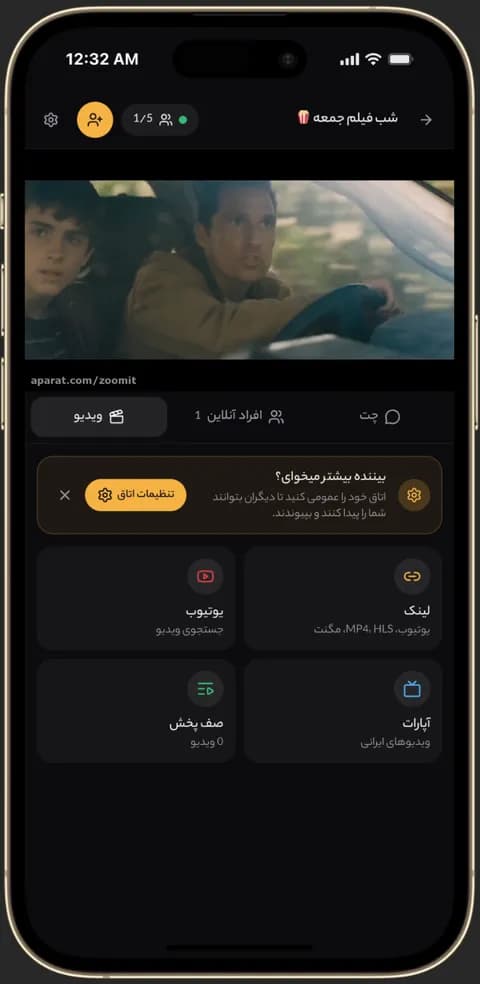
Video playing in sync in a Kinoo room on a phone 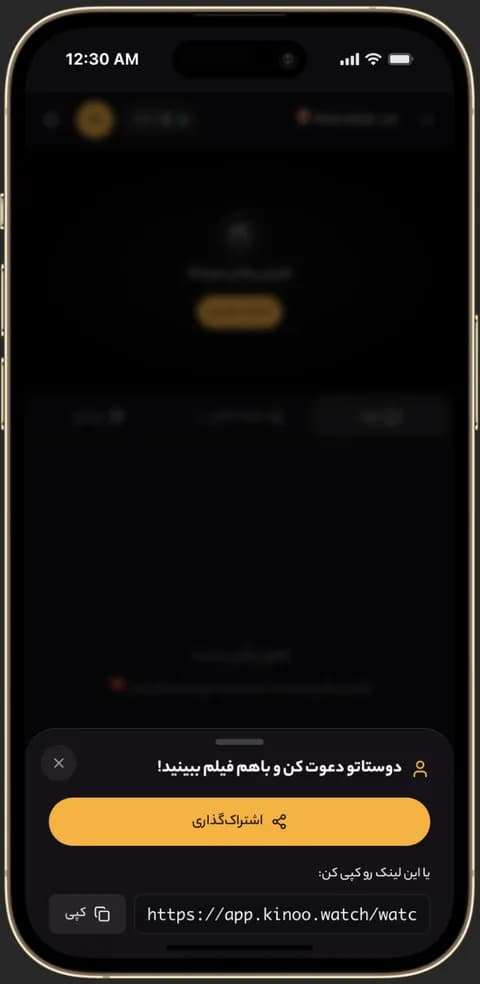
Inviting friends to a Kinoo room to watch together 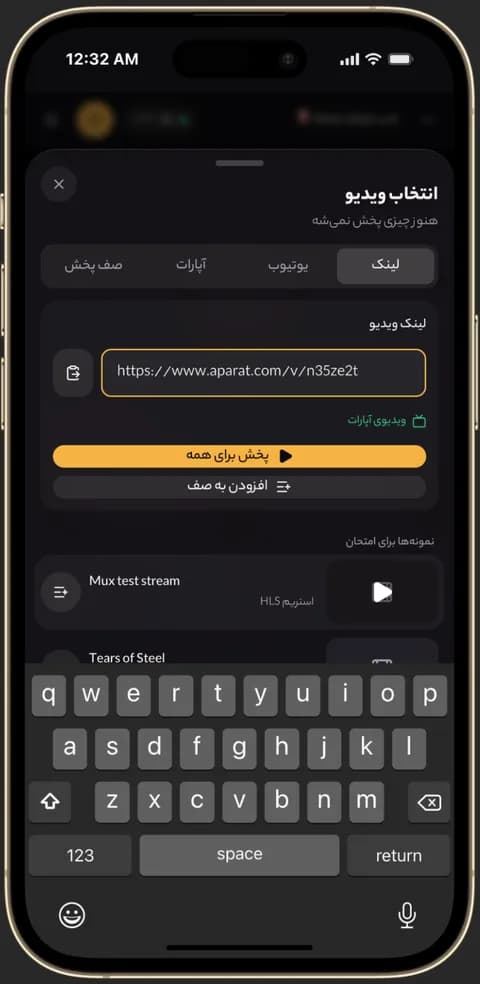
Pasting an Aparat or MP4 link into a Kinoo room
How does it work?
Each phone streams the video over its own connection; Kinoo keeps the playback position the same on both. Pause on one and the other pauses too.
Side by side, two phones, two pairs of headphones
On a trip or anywhere you can't use a speaker, each person watches on their own phone with their own headphones, perfectly in sync.
Android and iPhone together
An Android phone and an iPhone work fine in the same room, all in the browser with nothing to install.
How to get started
- 1
Create a room on the first phone
Open Kinoo in the browser and create a room.
- 2
Add the video
Paste a YouTube, Aparat or direct video link.
- 3
Open the link on the second phone
Playback is now in sync on both.
Frequently asked questions
Do I need to install an app?
No. Kinoo opens in the browser on both phones.
Do both phones need the same Wi-Fi?
No. Each phone uses its own connection; you can be in different countries.
What if one phone's connection drops?
When it comes back, that phone catches up to the shared playback position.
Kinoo is ready when you are
Create a room and start watching together in a minute.