Host an online watch party
A watch party is a group of people watching the same movie or show at the same moment, each on their own screen. Kinoo gives you a room where play, pause and seek are shared, plus chat so it still feels like watching together.
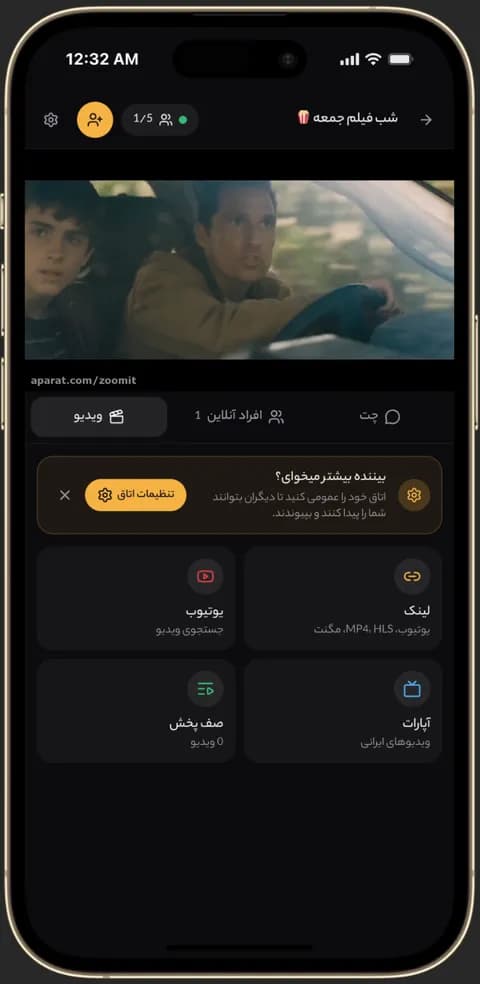
Video playing in sync in a Kinoo room on a phone 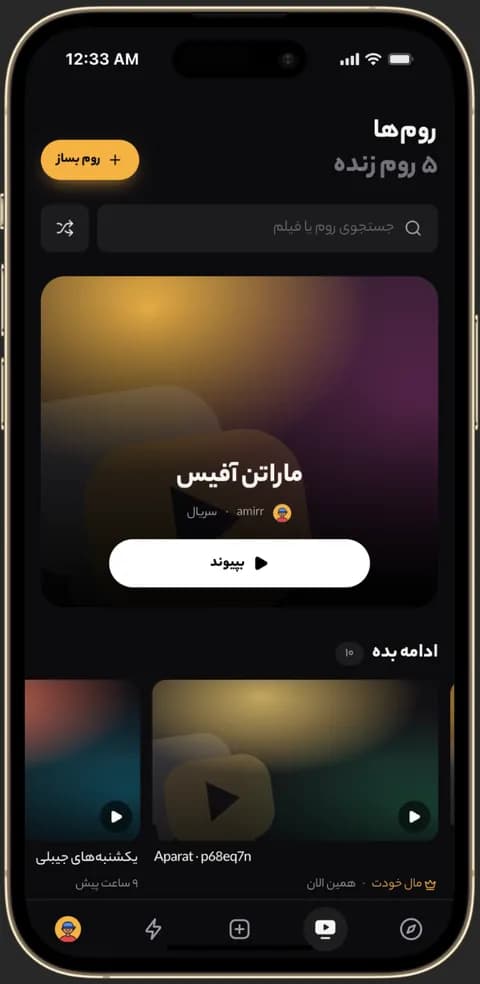
Kinoo public rooms for group movie and series watching 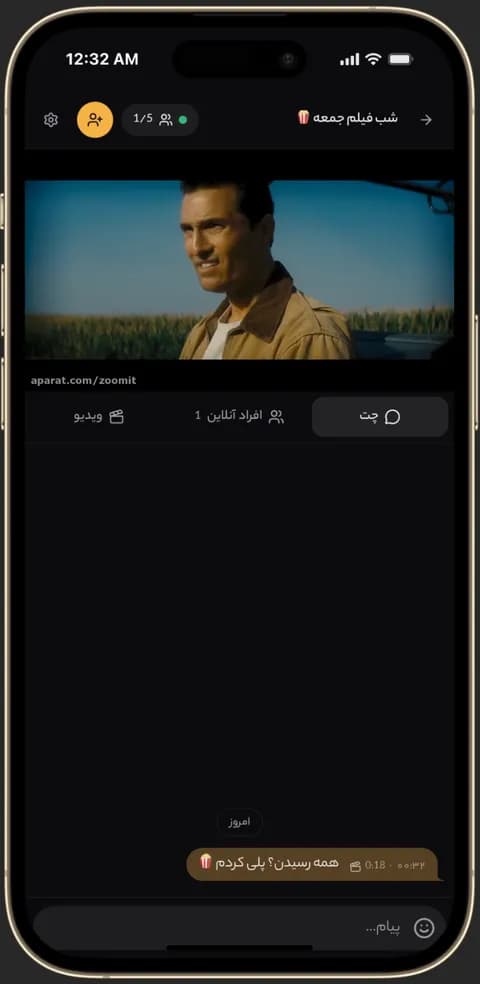
Text chat inside a Kinoo room while watching together
What is a watch party?
In a watch party everyone shares one timeline. If someone pauses or skips ahead, it happens for everyone. That's the difference from just agreeing to watch the same thing at the same time.
Why host it on Kinoo?
There's nothing to install: you put a YouTube link, a video file or a stream in the room and friends open the room link. Keep the room private for your group, or make it public so others can find it.
Chat, reactions and voice
Text chat and reactions are in every room. Voice chat is included with the paid plans; when the room owner has it, everyone in the room can talk.
How to get started
- 1
Create a room
One click, and your watch party room and invite link are ready.
- 2
Add a video
Paste a YouTube link, an MP4 or an .m3u8 stream.
- 3
Invite your friends
Send the link; they join from a computer, phone or TV.
Frequently asked questions
How many people can join a watch party?
Free rooms hold up to 5 people. Paid plans raise it to 20 or 100 per room.
Do I need a browser extension?
No. Kinoo runs in any modern browser; guests just open the room link.
Can strangers join my watch party?
Only if you make the room public. Private rooms are reachable only through their link.
Kinoo is ready when you are
Create a room and start watching together in a minute.