Online video player for MP4, M3U8 and MKV links
Got a direct link to a video file and don't want to wait for the download? Paste it into a Kinoo room and it plays in the browser. Share the room link and friends watch with you, in sync.
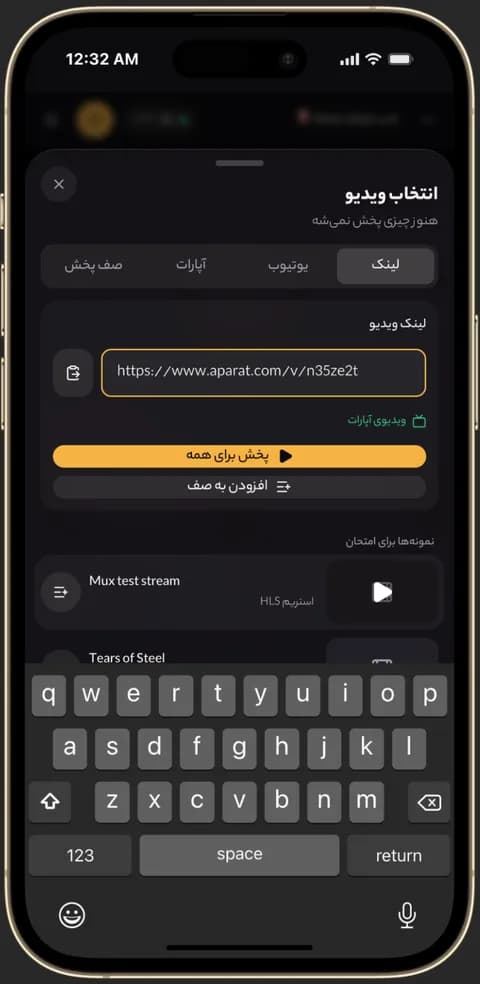
Pasting an Aparat or MP4 link into a Kinoo room 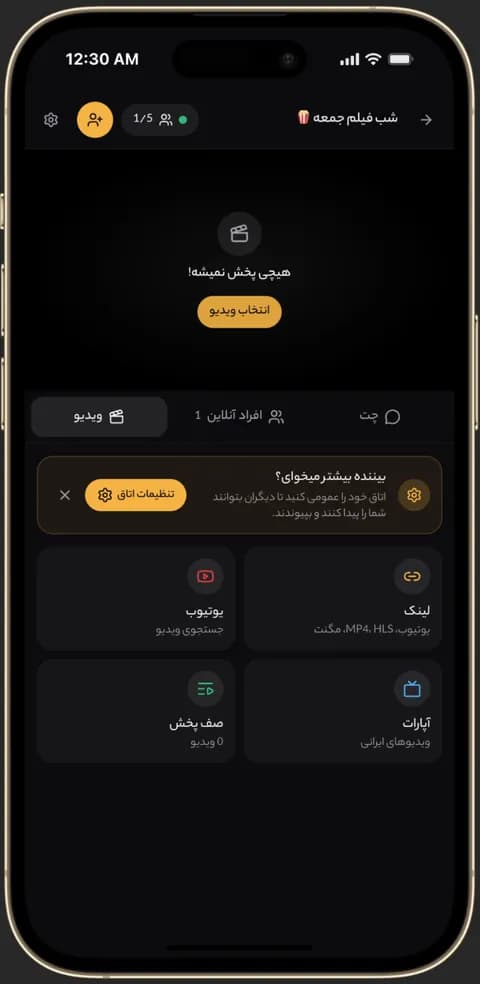
Kinoo video picker: direct link, YouTube, Aparat and queue 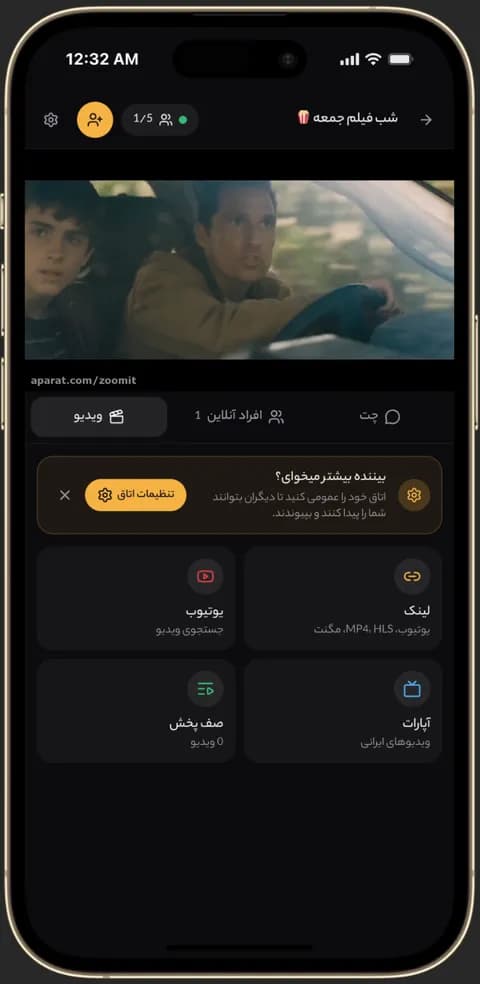
Video playing in sync in a Kinoo room on a phone
Which links play?
Direct video files like MP4 and WebM, MKV files, HLS streams (.m3u8) and DASH streams (.mpd). YouTube and Aparat links are recognized too.
An M3U8 player online
Paste an .m3u8 link and the HLS stream plays right in the browser, on desktop or mobile, with nothing to install.
About MKV files
MKV plays in most browsers, but some audio codecs aren't supported on some devices, especially iPhones. Kinoo tells you when that happens; an MP4 or M3U8 version usually plays everywhere.
How to get started
- 1
Copy the link
Copy the direct link to the file or stream.
- 2
Paste it into a room
Kinoo detects the link type automatically.
- 3
Play
Watch alone or send the room link to watch together.
Frequently asked questions
How do I play an M3U8 link online?
Paste the .m3u8 link into a Kinoo room; the HLS stream plays in the browser and stays in sync for everyone in the room.
Is the file uploaded to Kinoo?
No. The video streams from the link you provide; Kinoo only syncs the playback position.
Can I add subtitles?
Yes. Upload an SRT or VTT file, paste a subtitle link or search OpenSubtitles.
Kinoo is ready when you are
Create a room and start watching together in a minute.