Watch together on your smart TV
Movie night belongs on the big screen. Kinoo opens in your smart TV's browser: you on the couch, your friends wherever they are, all on the same scene.
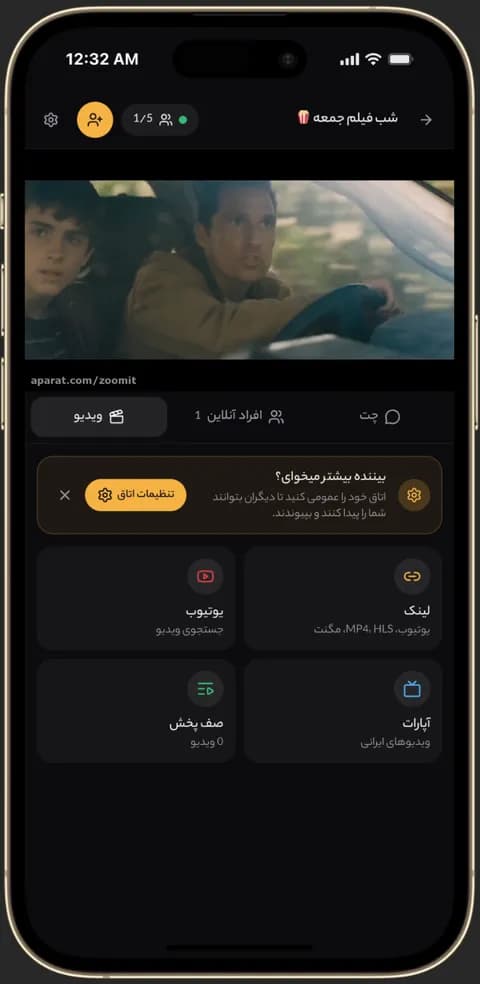
Video playing in sync in a Kinoo room on a phone 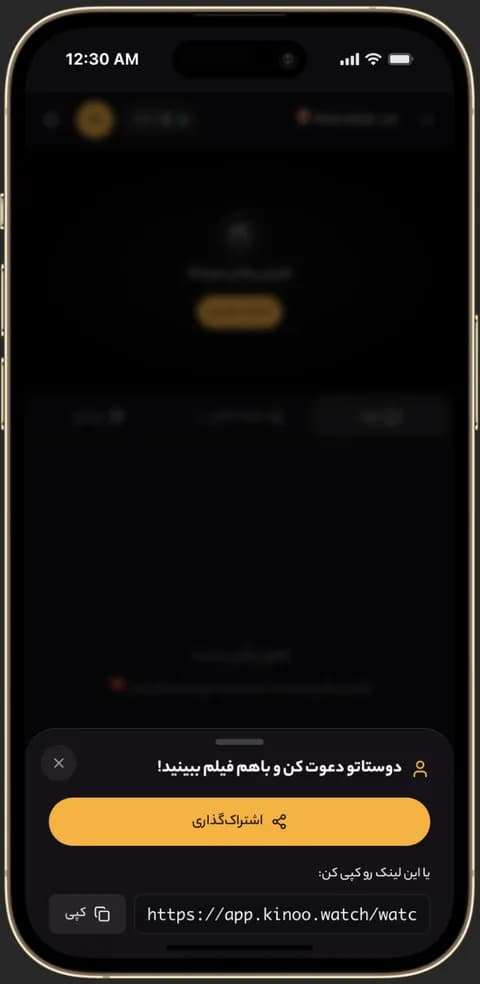
Inviting friends to a Kinoo room to watch together 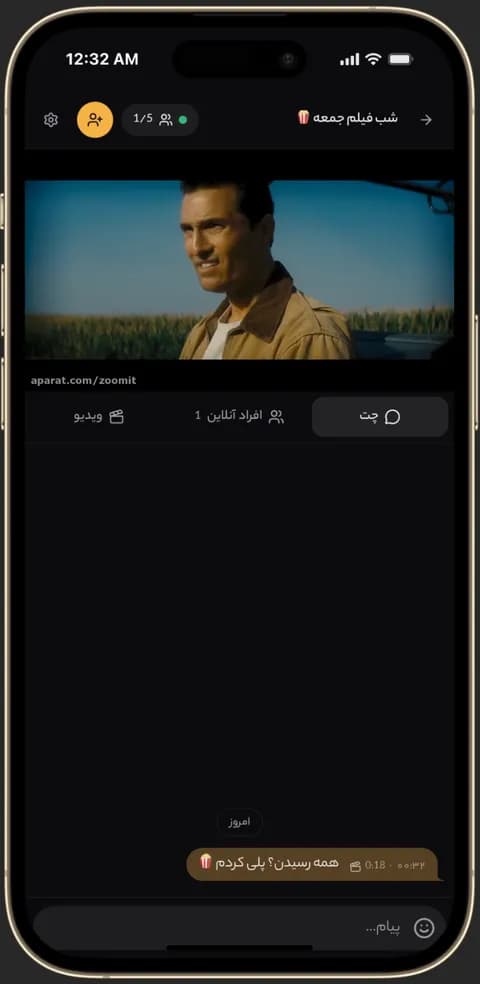
Text chat inside a Kinoo room while watching together
Sign in with a QR code
Typing a password with a TV remote is painful. Kinoo shows a QR code on the TV; scan it with your phone, where you're already signed in, and approve. Done.
TV for the picture, phone for the chat
Play the movie on the TV and keep the room open on your phone for chat. Playback stays in sync on every device in the room.
Which TVs work?
Kinoo has no separate TV app; it runs in the browser, so it works on smart TVs and Android TV boxes with a browser. If your TV's browser is old, connect a laptop over HDMI.
How to get started
- 1
Open the TV browser
Go to kinoo.watch and open the app.
- 2
Scan the QR code
Scan it with your phone and approve the sign-in.
- 3
Join the room
Create a room or open an invite; playback is in sync.
Frequently asked questions
Is there a Kinoo TV app?
No app is needed; Kinoo runs in the TV's browser.
Is QR sign-in safe?
Yes. Sign-in only happens after you approve it on your own phone, and the code expires quickly.
Can I watch on the TV and chat on my phone?
Yes. Join the room on both devices.
Kinoo is ready when you are
Create a room and start watching together in a minute.