Long-distance movie night with your partner
In a long-distance relationship, movie night is one of the easiest ways to spend real time together. Kinoo gives the two of you a private room where the movie plays in sync on both screens.
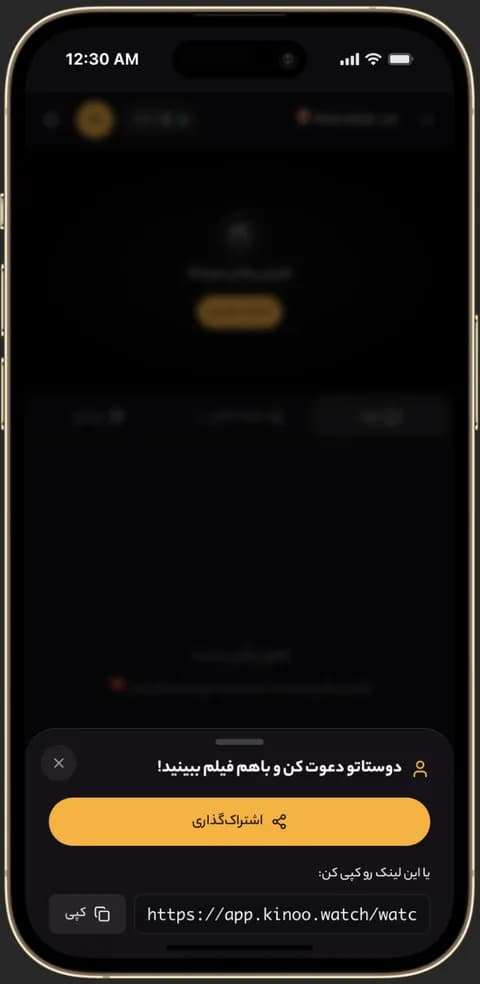
Inviting friends to a Kinoo room to watch together 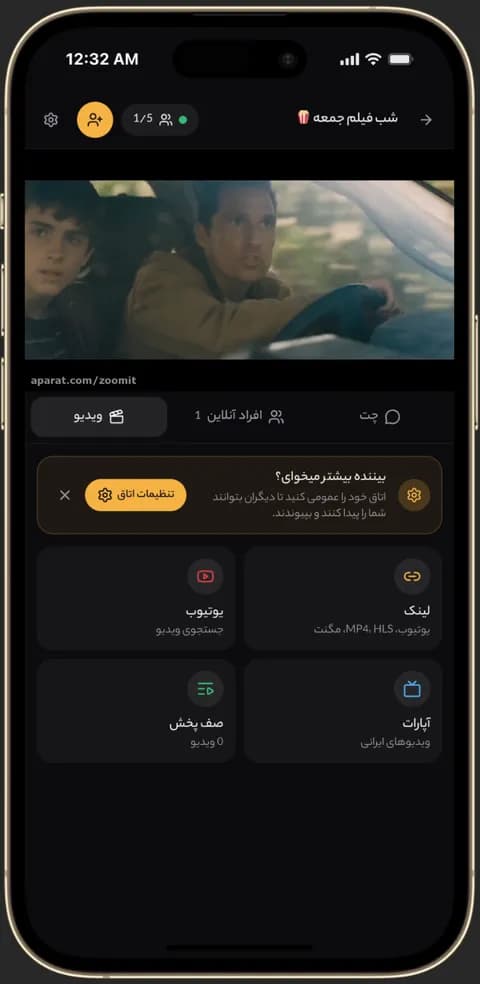
Video playing in sync in a Kinoo room on a phone 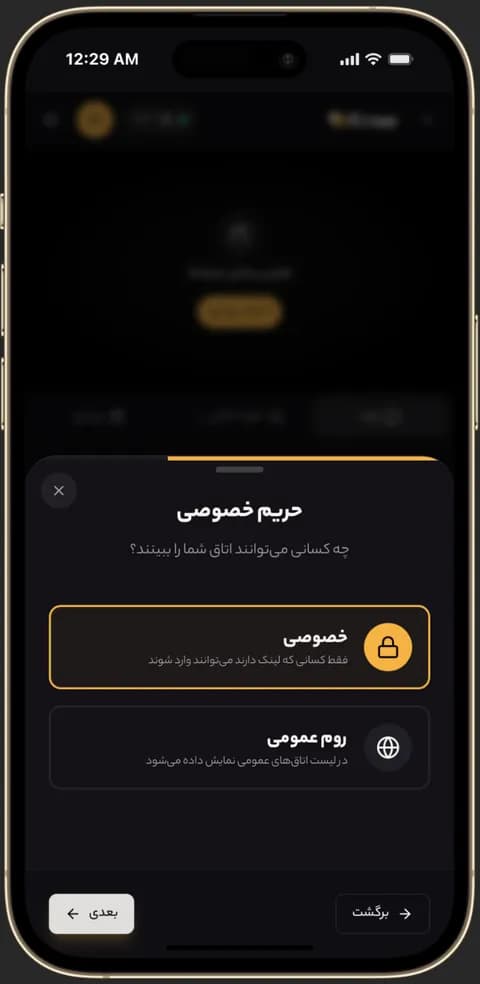
Choosing a private or public room in Kinoo
Date night from two places
Send the room link to your partner. Playback is in sync for both of you, so you laugh and gasp at the same moment.
A series, one episode a night
Queue the episodes and watch one each night. Nobody watches ahead, so there's nothing to spoil.
Private by default
A room is only reachable through its link. Unless you share it, nobody else joins.
How to get started
- 1
Create a private room
Make a room and send the link to your partner.
- 2
Pick the movie
Add a YouTube link or a direct video link.
- 3
Watch together
Press play; it starts for both of you.
Frequently asked questions
Do both of us need a subscription?
No. Only the room owner needs an account; a room for two is free.
Does it work on phones?
Yes, in the phone's browser, with no app to download.
Can we hear each other?
Voice chat is included with the paid plans; text chat and reactions are free.
Kinoo is ready when you are
Create a room and start watching together in a minute.