Watch movies with friends on iPhone and Android
You don't need to be at a computer. Kinoo runs in your phone's browser: create a room, send the link in WhatsApp or Telegram, and watch with friends from the couch or on the go.
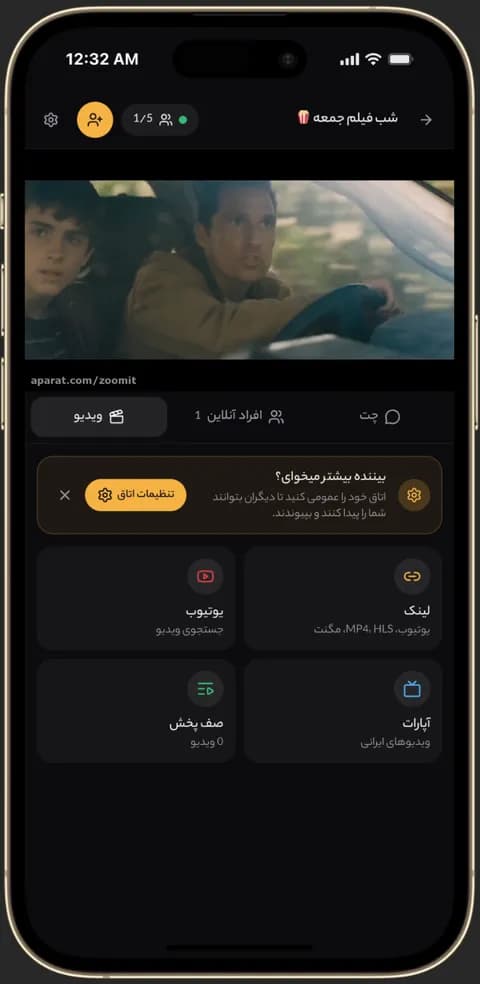
Video playing in sync in a Kinoo room on a phone 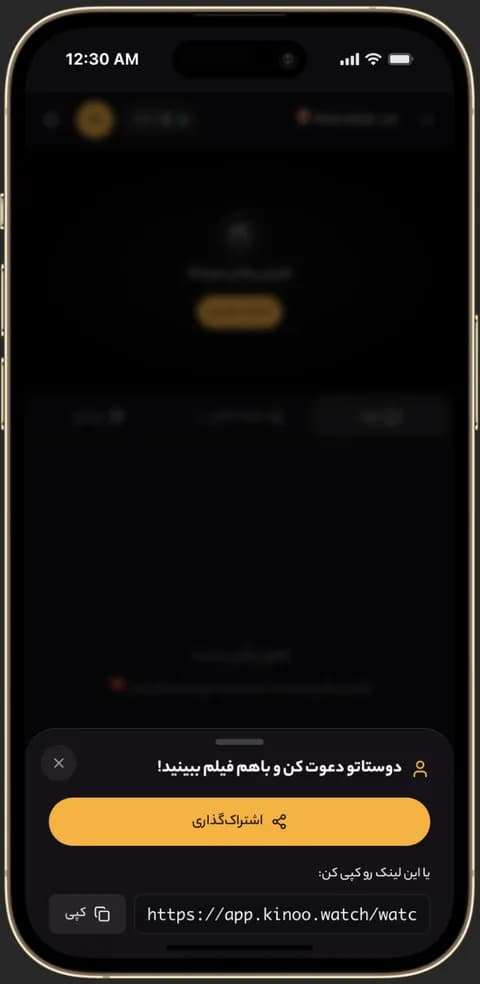
Inviting friends to a Kinoo room to watch together 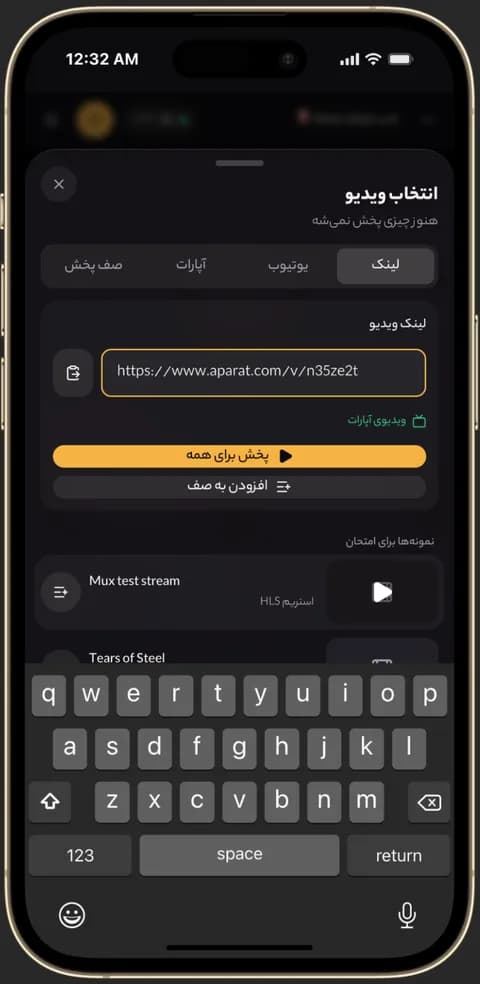
Pasting an Aparat or MP4 link into a Kinoo room
No app store download
Kinoo opens in Chrome, Safari or any mobile browser. You can add it to your home screen so it opens like an app.
Invite links straight into chats
Send the room link to a group chat; friends tap it and land in the same room.
iPhone and video formats
YouTube, Aparat, MP4 and M3U8 play smoothly on iPhone. Some MKV files are limited in iPhone Safari, so pick an MP4 or M3U8 version when the group uses iPhones.
How to get started
- 1
Open Kinoo in your phone browser
Sign in or create an account in seconds.
- 2
Create a room and add a video
YouTube, Aparat or a direct link.
- 3
Share the link in your chat
Friends tap it and you watch in sync.
Frequently asked questions
Is there a Kinoo app for Android or iPhone?
Kinoo runs in the mobile browser; add it to your home screen for an app-like experience.
Can one person use a phone and another a computer?
Yes. Any device with a browser can join the same room.
How much data does it use?
About the same as watching the video alone; syncing playback uses almost nothing.
Kinoo is ready when you are
Create a room and start watching together in a minute.